I was recently contacted by Visme, asking if I would like to try their graphic design tool out for myself. Visme.co is an all in one content creation tool (kind of like a crossover between PowerPoint and Canva). It’s free for all users, although you can unlock premium features starting from $29 per month (when paying monthly). I was gifted access to the “Business” plan for the purpose of this review.

What is Visme?
Visme caters for professionals such as graphic designers, but it is also easy to use for someone who has limited design skills/experience. Visme has a variety of uses, it can be used to create banners, social graphics, graphs and charts, infographics, video introductions, documents, flyers, and everything in between. There are so many options. It has a drag and drop interface, making it more appealing to content creators who use the tool. Not only can you create still images, you can also create video introductions/outros and animate your presentations, graphs and charts.
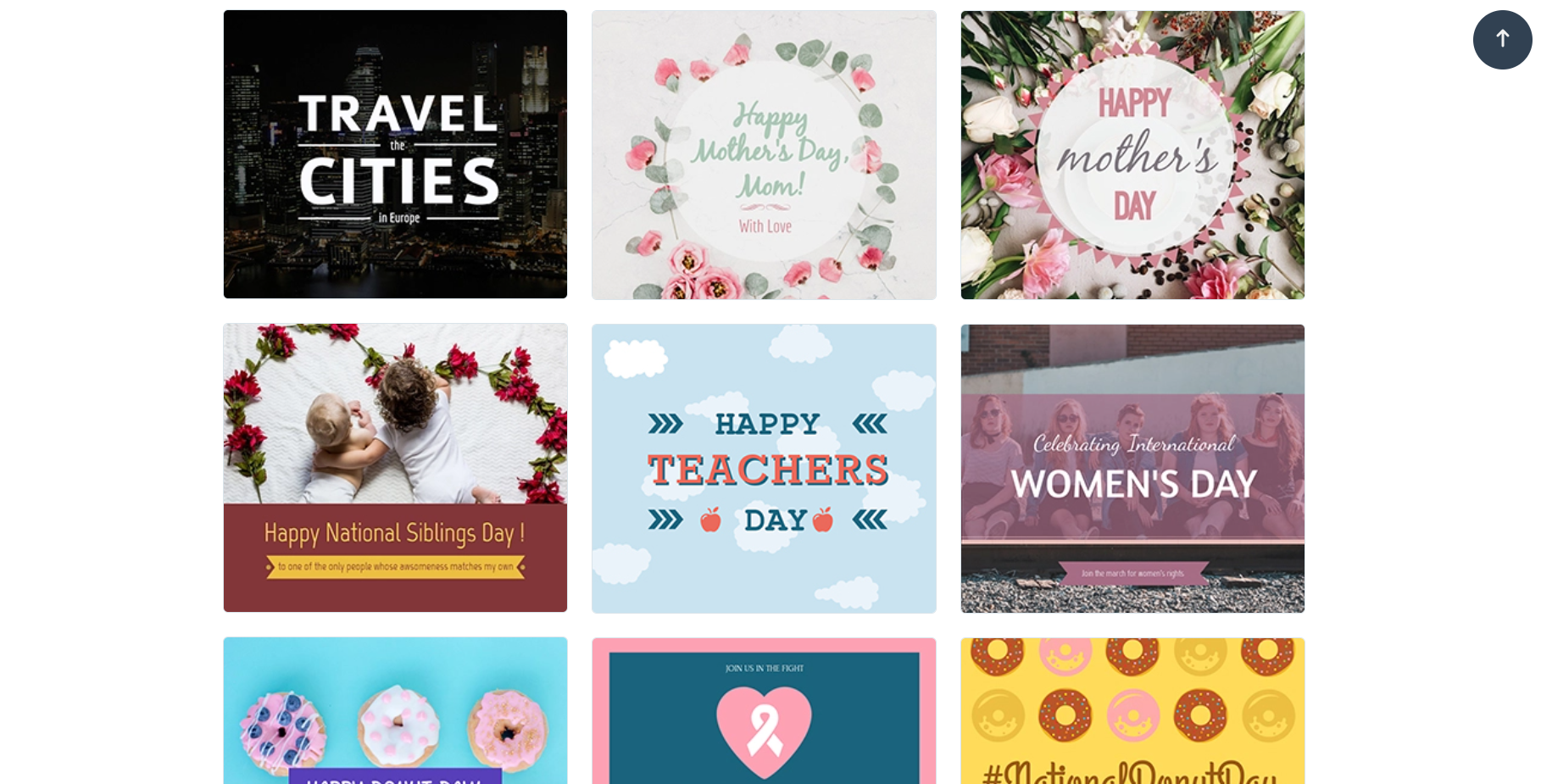
Visme is simple and easy to use. Upon logging into the tool, you will find a list of all the different types of “projects” you can design. Once you have selected what you are looking for (I’ve selected Social Media in these screenshot examples), you are given a huge variety of templates to choose from. You also have the option to start projects from scratch (a blank template).

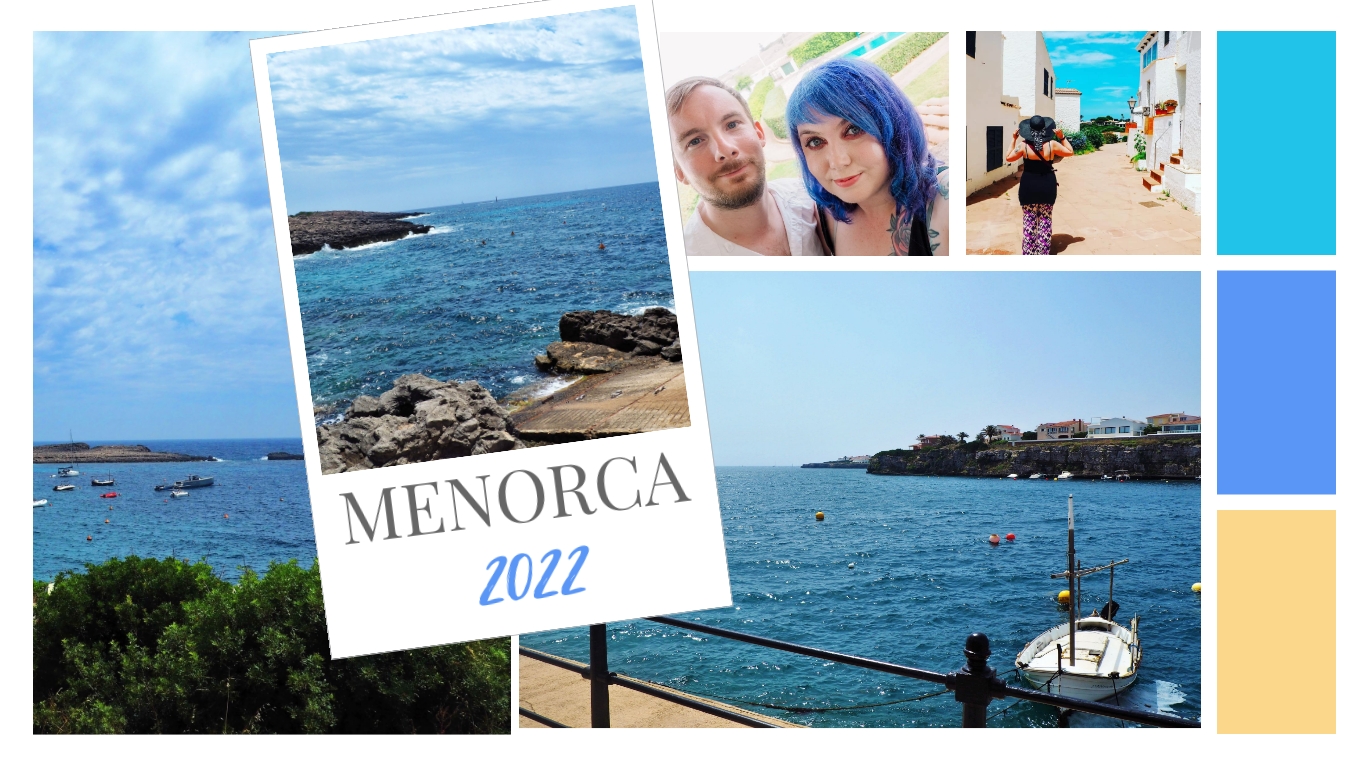
Once you’ve selected your template, you can then start to customise your graphics. You can make each design uniquely your own, by editing the text, the colours, fonts, change the images, add graphs and more! In my example above, I have altered the text, the font type and the alignment. You can explore in your own time exactly what you can do with Visme. You can animate elements or animate an entire page. The animation section of the tool may look daunting at first, but it is easy to use after some practice. I’ve also included below an example of a mood board I created when I was testing out the tool for my Youtube video review of Visme.
Visme Pricing
In my opinion, considering everything you can do with Visme.co as a tool – it is absolutely reasonably priced. I will explain some of the pricing information and plans below.
Free version – There is a free version available! Free accounts do obviously have their limitations, but you can create unlimited projects. However, you won’t have access to all templates, charts, file formats and widgets. In the free plan, you get 100 MB worth of storage which is enough to practice with Visme as a tool.
Personal plan – The personal plan is $29 a month, or $12.25 a month if billed annually. You can of course create unlimited projects, with storage which is increased to 250 MB. You gain access to all templates and Visme removes their branding from all of your creations.
Business plan – The business plan is $59 a month, or $24.75 a month if billed annually. This plan includes everything from the personal plan, but you get another increase in storage to 3 GB. You can also download files in other formats such as GIF.
I’ve also reviewed Visme on my YouTube channel which you can watch below:
Discover more from Louise Rose
Subscribe to get the latest posts sent to your email.
One comment